


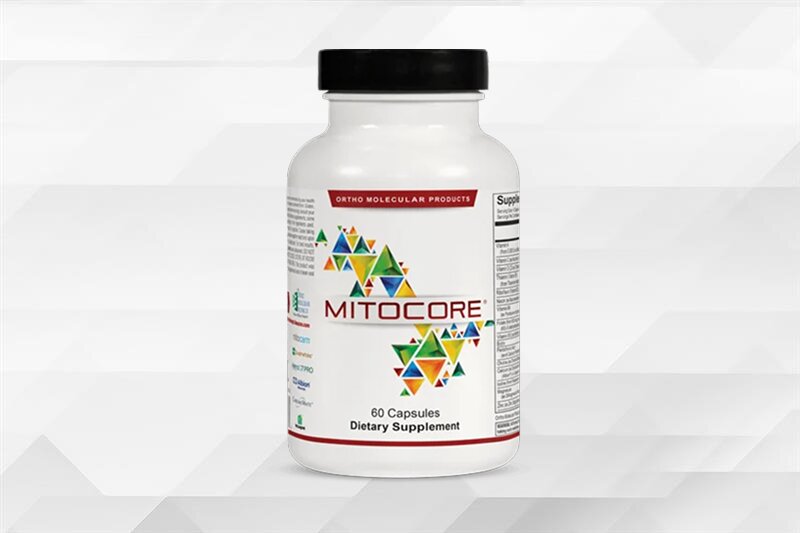
Supports mitochondrial function and metabolic processes to promote daily energy, focus and vitality.
- Supports cellular energy production
- Promotes healthy metabolic function
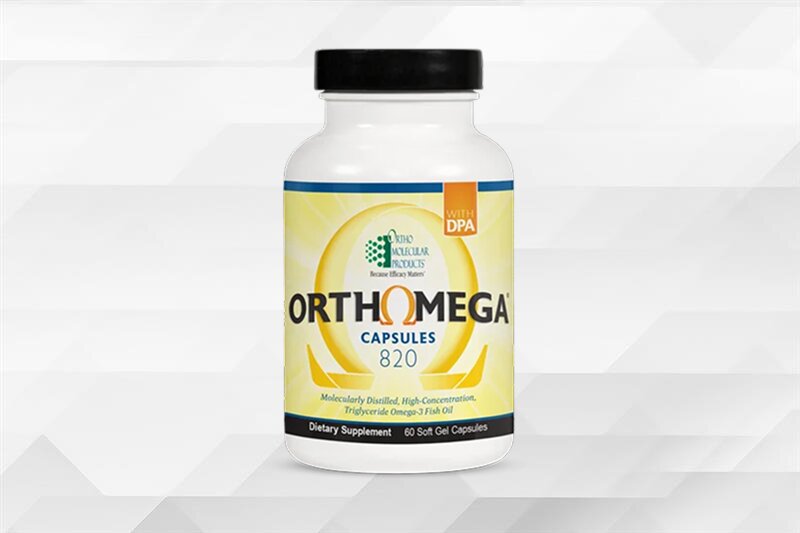
Supports heart, brain, joint, skin, and eye health while helping maintain a healthy inflammatory response.
- Supports cardiovascular health and blood sugar metabolism
- Helps maintain joint health and normal inflammatory balance
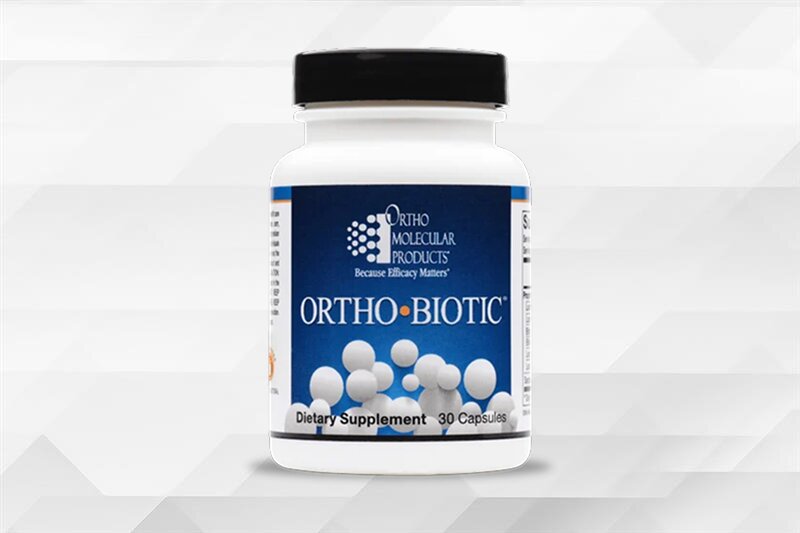
Promotes a balanced gut microbiome to support digestion, nutrient absorption, and immune function.
- Supports secretory IgA and gut immune health
- Promotes digestive comfort, bowel regularity, and nutrient absorption
Supports mitochondrial function and metabolic processes to promote daily energy, focus and vitality.
- Supports cellular energy production
- Promotes healthy metabolic function
Supports heart, brain, joint, skin, and eye health while helping maintain a healthy inflammatory response.
- Supports cardiovascular health and blood sugar metabolism
- Helps maintain joint health and normal inflammatory balance
Promotes a balanced gut microbiome to support digestion, nutrient absorption, and immune function.
- Supports secretory IgA and gut immune health
- Promotes digestive comfort, bowel regularity, and nutrient absorption
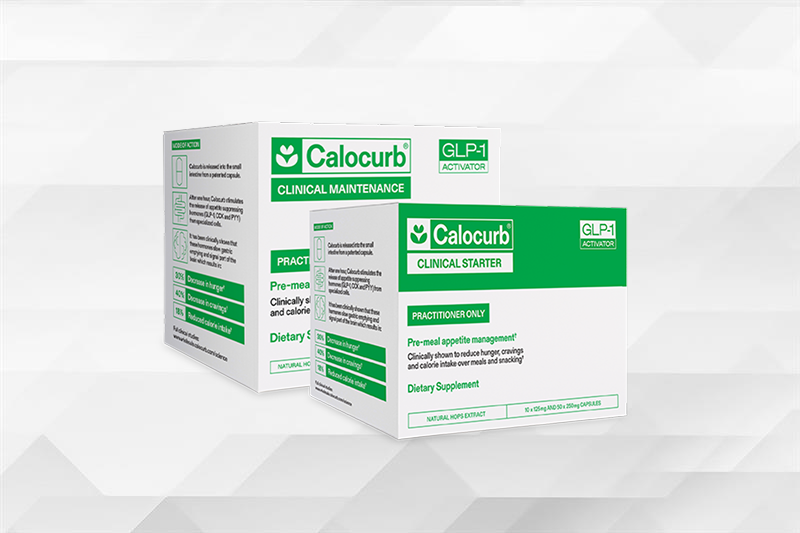
Supports healthy appetite regulation and metabolic function by promoting the body's natural satiety signals.
- Stimulates natural GLP-1, CCK, and PYY release
- Enhances adherence to intermittent fasting and time-restricted eating
Promotes a balanced gut microbiome to support digestion, nutrient absorption, and immune function.
- Delivers 11 g of fiber to support digestive health
- Supports natural GLP-1 production to help manage appetite
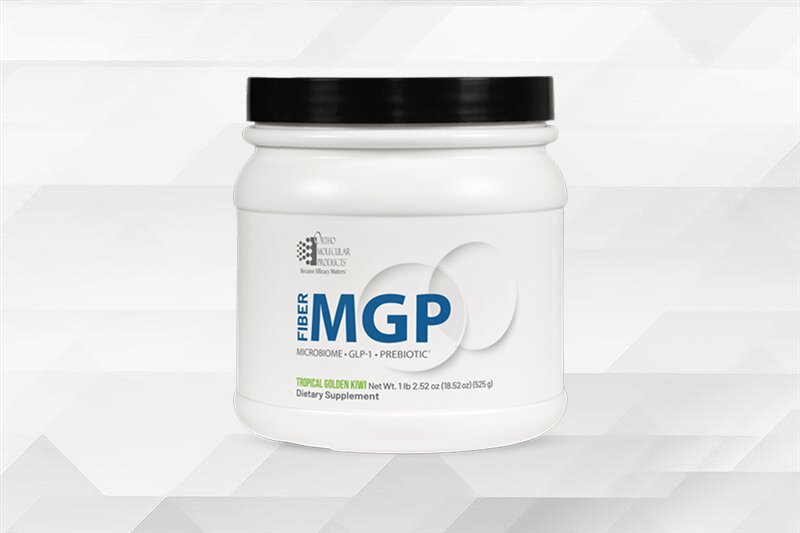
Supports healthy appetite regulation and metabolic function by promoting the body's natural satiety signals.
- Stimulates natural GLP-1, CCK, and PYY release
- Enhances adherence to intermittent fasting and time-restricted eating
Promotes a balanced gut microbiome to support digestion, nutrient absorption, and immune function.
- Delivers 11 g of fiber to support digestive health
- Supports natural GLP-1 production to help manage appetite
From evidence-based formulations and uncompromising quality standards to long-term partnerships with licensed health care practitioners, our purpose-driven approach shapes everything we do.

From evidence-based formulations and uncompromising quality standards to long-term partnerships with licensed health care practitioners, our purpose-driven approach shapes everything we do.
Our evidence-based supplements are available only through licensed health care professionals, reflecting our commitment to the medical community.

Our evidence-based supplements are available only through licensed health care professionals, reflecting our commitment to the medical community.
Our commitment to evidence-based formulation, rigorous quality standards, and practitioner partnership has earned recognition across the health care industry. These distinctions reflect our ongoing focus on scientific integrity, efficacy, and clinical trust.

Our commitment to evidence-based formulation, rigorous quality standards, and practitioner partnership has earned recognition across the health care industry. These distinctions reflect our ongoing focus on scientific integrity, efficacy, and clinical trust.
Access educational product videos, detailed product information sheets, and approved social media assets designed to support licensed health care professionals.
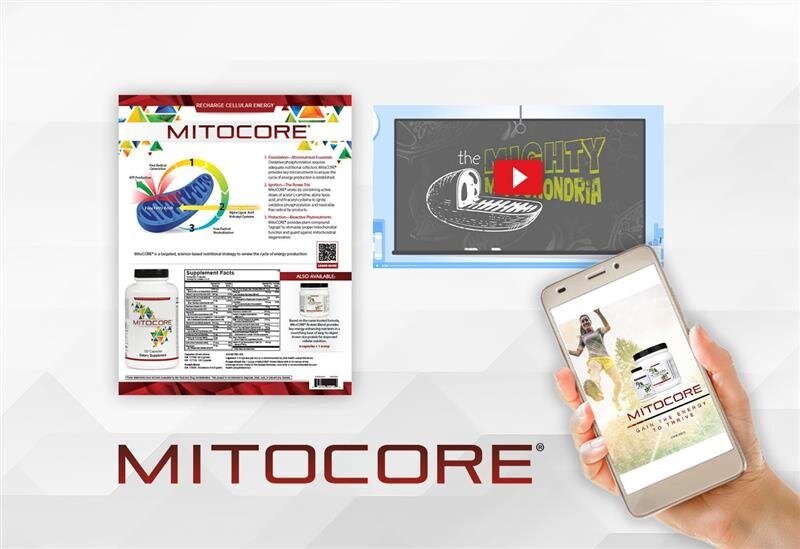
Access educational product videos, detailed product information sheets, and approved social media assets designed to support licensed health care professionals.
Find the right solution for ordering, patient care, and practice growth.
Find the right solution for ordering, patient care, and practice growth.
Tools and programs designed to help independent pharmacies drive front-end growth and long-term patient loyalty.

Tools and programs designed to help independent pharmacies drive front-end growth and long-term patient loyalty.
We partner exclusively with licensed health care professionals to deliver evidence-based supplements and clinical support.

We partner exclusively with licensed health care professionals to deliver evidence-based supplements and clinical support.

What Happens After You Apply for an Ortho Practitioner Account
TL;DR: After you submit the form at /register, our team reviews your request, usually within 1-2 business days, and emails you a confirmation when your account is approved. From that moment the account works immediately. Your welcome packet brings our catalog, your price list, and contact details for your Sales Representative, and your first conversation with your rep is the best time to set up ordering, patient fulfillment, and any plans to list products online.
This article belongs to the series on opening an Ortho Molecular practitioner account.
The sequence at a glance
| Stage | What happens | Source |
|---|---|---|
| Submit | You complete the practitioner registration form | /register |
| Review | Our team reviews your registration, usually within 1-2 business days | /register |
| Tax exemption (optional) | You send exemption paperwork, and we confirm the update | /register |
| Approval | You receive a confirmation email, and the account is available immediately | /service/faq |
| Welcome packet | Catalog, price list, and Sales Representative contact information | /service/faq |
| First order | You order online with no minimum | /service/faq |
Stage 1: Review
When you submit the form, you see a message confirming we received your request. Our team reviews the registration and responds by email, and "most applications are reviewed within 1-2 business days" (/register). You can start placing orders as soon as the account is confirmed (/register).
While you wait, three things keep the process moving:
- Watch the inbox you registered with, including spam folders, for the confirmation email.
- Send tax exemption paperwork now if you qualify (Stage 2).
- Ask before you resubmit. If you have a question about your request, Customer Service is available Monday to Friday, 7am to 6pm CST. Call (800) 332-2351 or email contactus@ompimail.com (/service/faq).
Stage 2: Sales tax exemption
Practices that qualify for a sales tax exemption on Ortho purchases can send the paperwork by email to contactus@ompimail.com or by fax to (800) 476-4664. Once your account is updated, we confirm by email or fax. Until then, orders may be subject to applicable sales tax (/register).
Our FAQ has a full section on sales tax, including orders shipped to multiple states and exemption certificates (/service/faq). Read it before your first order if you ship to more than one state.
Getting the exemption details right
Our FAQ answers the questions that most often come up after the first certificate is sent (/service/faq):
- Which state's tax applies. As a general rule, the shipping destination sets the sales tax. If you ship to a different state, that state's sales tax rules decide whether the order is taxable.
- More than one state. Your account portal shows which states you have provided documentation for and the status of each document. You add states with the "Add Certificate" function in the portal.
- Which number to enter. Expect the "Add Certificate" form to ask for your SID (Sales-tax Identification) Number or your TIN (Tax Identification Number). Look for it on the sales tax permit or license from your state. It is a separate number from your Federal Employer Identification Number (FEIN).
- Documents that do not appear yet. If your documentation does not show in the portal, our sales tax department has not received it. We recommend uploading through "Add Certificate" directly.
- Certificates marked expired. We may ask for updated documentation even when your state's certificate does not expire, to check that the business, address, and tax ID on file still hold.
Stage 3: Approval
You will be notified. A confirmation email arrives, and the account is available immediately once approved (/service/faq). At that point you can log in and order.
Stage 4: The welcome packet
On registration you receive a welcome packet that includes (/service/faq):
- Our catalog of Ortho products.
- A price list for your account.
- Contact information for your Sales Representative.
Keep the price list with whoever places orders. Wholesale pricing and ordering explains the published ordering terms that sit alongside it.
Stage 5: The rep handoff
Your Sales Representative is your regional partner at Ortho. Our sales and customer service teams aim to support you "every step of the way, with knowledgeable insight and an understanding of your practice goals and protocols" (/why-ortho). If you misplace your rep's details, Customer Service can tell you the rep in your region by phone at (800) 332-2351 or by email at contactus@ompimail.com (/service/faq).
Your rep is also the person to ask before listing our products on your website, since they have the details and guidelines for that (/service/faq). Beyond that, the first call is your chance to plan how the account will run.
Questions to ask on your first rep call, ranked
- "How should I set up patient fulfillment?" In office stock, drop shipping, Clinical Care Path™, or OrthoPacks. See in-office vs online dispensary.
- "What are the guidelines for listing products on my website?" We ask you to raise this with your rep (/service/faq). Read the Authorized Resale Policy before the call.
- "How do the Minimum Advertised Price and Discount Policies apply to me?" Both are listed among our account policies (/service/faq). See MAP pricing in plain English.
- "Which clinical resources should my staff start with?" We offer approved social media assets, educational product videos, and product information sheets (/practitioners).
- "What should my first order look like?" There is no minimum (/service/faq), so you can start with the products you recommend most.
- "Are there current promotions?" We send occasional promotional discounts through email and direct mail, and sometimes offer them at conferences (/service/faq).
What to have ready for that call
- A short list of the products you recommend most.
- A rough idea of how many patients you supply each month.
- Your preferred mix of in office stock, drop shipping, and online ordering.
- Any plan to list products on your practice website.
- The name of the staff member who will place orders.
Materials you can use with patients
For patient conversations, we give clinicians information and literature such as product information sheets, animated videos, product brochures, and social media posts (/service/faq). Ask your rep which pieces fit the products you plan to recommend first.
If you plan to use Clinical Care Path™
Clinical Care Path™ gives you a practitioner store for your patients. You choose which products appear in your store, the store is invitation-only, and patients enter by invitation from their clinician. Patients can order online and have products delivered to their home, and they can set up subscriptions on eligible products for recurring shipments (/clinical-care-path). Clinical Care Path™ orders come with a longer return window of 45 days (/service/returnpolicy). Your first rep call is a good time to plan which products to add.
Your first 30 days: turning approval into a running dispensary
Approval is the start. Use your first month to set up a few working habits:
- Week 1: build your core list. Pick the products you recommend at most visits and place a first order sized to them.
- Week 2: set up your protocols. In Clinical Care Path™ you can create and save supplement protocols and reuse them for future patients (/clinical-care-path). Five saved protocols cover a lot of daily recommendations.
- Week 3: train the team. Walk staff through the 3pm CST same day cutoff, drop ship orders, and where our product information sheets live (/service/faq, /practitioners).
- Week 4: review with your rep. Look at what moved, what patients reordered, and whether a product belongs on the shelf, in drop ship, or in Clinical Care Path™. Clinical Care Path™ sends monthly reports covering patient activity and order history to help with that review (/clinical-care-path).
Stage 6: Your first order
With an approved account you order on our website (/service/faq). Orders for in stock products placed before 3pm CST ship the same day, and we email you a FedEx tracking number when the package leaves (/service/faq).
A sensible first order:
- Covers the products you recommend most often.
- Leaves slow movers to drop shipping or an online option.
If you need a hand
| Situation | What to do | Source |
|---|---|---|
| Confirmation email not in your inbox yet | Check spam, then call (800) 332-2351 | /service/faq |
| Forgot password | Use "forgot your password?" on the Login page | /service/faq |
| Web account questions | Call (800) 332-2351 or email contactus@ompimail.com | /service/faq |
| First order taxed in error | Send exemption paperwork. Orders before confirmation may be taxed | /register |
| Need your rep's details | Email contactus@ompimail.com | /service/faq |
Frequently asked questions
Will I be notified when my Ortho account is approved? Yes. Expect a decision in 1-2 business days for most applications. We send a confirmation email, and the account is available as soon as it is approved.
Can I place orders before my account is approved? Ordering opens the moment your account is approved. Our team reviews and confirms each account first, and you need an account to order on our website.
What is in the Ortho welcome packet? Three things: our product catalog, your price list, and how to reach your Sales Representative.
How do I find my Ortho sales representative? Your rep's details are in the welcome packet. Customer Service can also name the rep in your region. Call (800) 332-2351 or email contactus@ompimail.com.
When should I send my tax exemption paperwork? As soon as you register. Until we confirm the update, sales tax may apply to your orders.
Do I need my rep's approval to sell Ortho on my website? Before you list our products on your website, we ask you to get details and guidelines from your rep, and resale follows our Authorized Resale Policy.
Next step
Ready to apply? Open a practitioner account. Already approved? Plan your first order with wholesale pricing and ordering.
Up to the guide for opening an Ortho Molecular practitioner account.


These statements have not been evaluated by the Food and Drug Administration. These products are not intended to diagnose, treat, cure or prevent any disease.
