


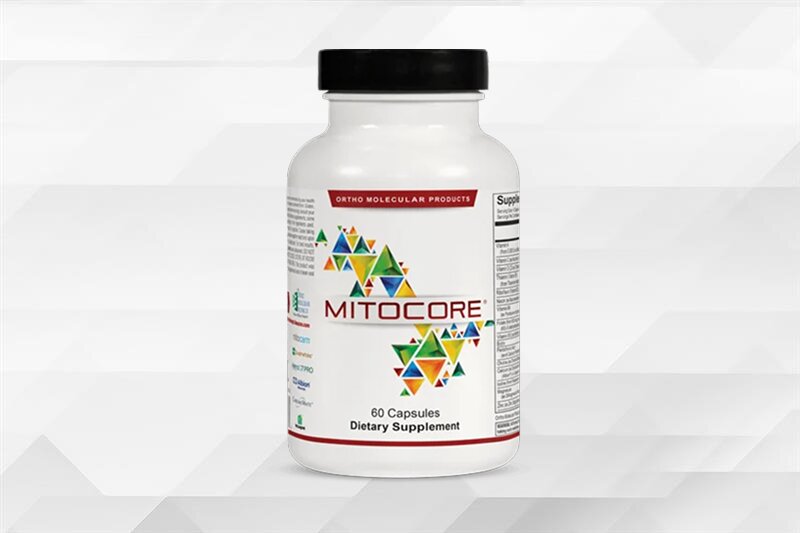
Supports mitochondrial function and metabolic processes to promote daily energy, focus and vitality.
- Supports cellular energy production
- Promotes healthy metabolic function
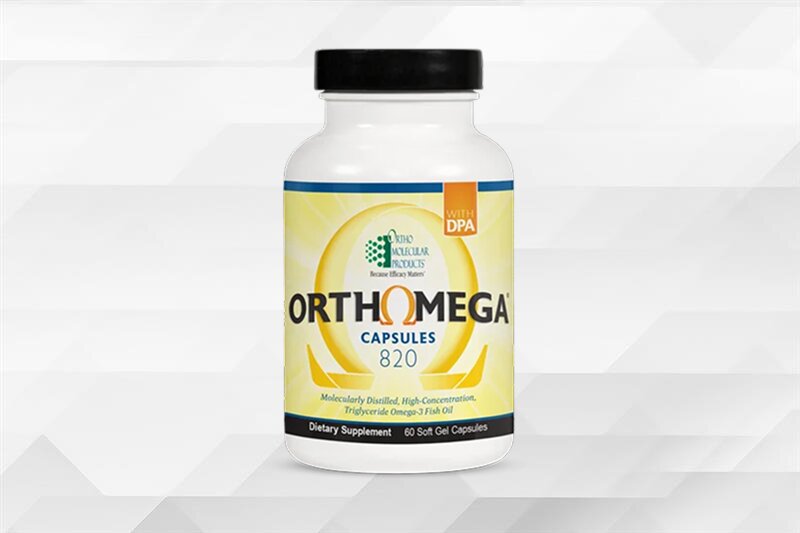
Supports heart, brain, joint, skin, and eye health while helping maintain a healthy inflammatory response.
- Supports cardiovascular health and blood sugar metabolism
- Helps maintain joint health and normal inflammatory balance
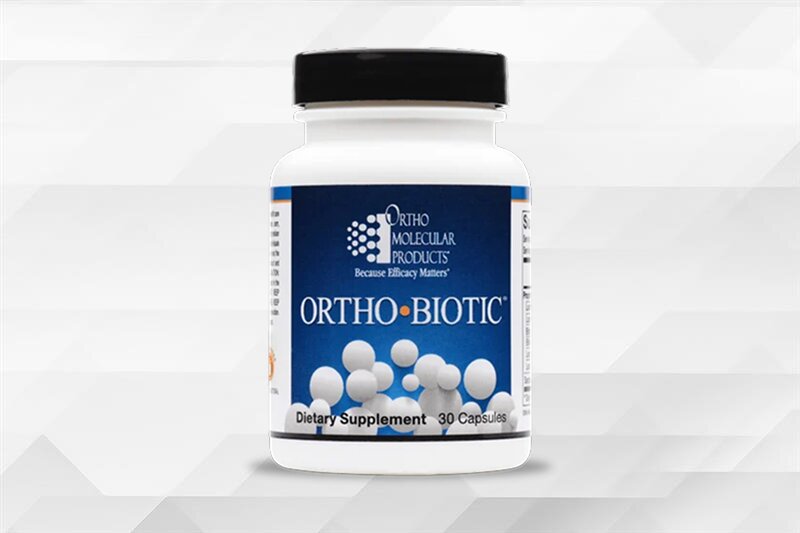
Promotes a balanced gut microbiome to support digestion, nutrient absorption, and immune function.
- Supports secretory IgA and gut immune health
- Promotes digestive comfort, bowel regularity, and nutrient absorption
Supports mitochondrial function and metabolic processes to promote daily energy, focus and vitality.
- Supports cellular energy production
- Promotes healthy metabolic function
Supports heart, brain, joint, skin, and eye health while helping maintain a healthy inflammatory response.
- Supports cardiovascular health and blood sugar metabolism
- Helps maintain joint health and normal inflammatory balance
Promotes a balanced gut microbiome to support digestion, nutrient absorption, and immune function.
- Supports secretory IgA and gut immune health
- Promotes digestive comfort, bowel regularity, and nutrient absorption
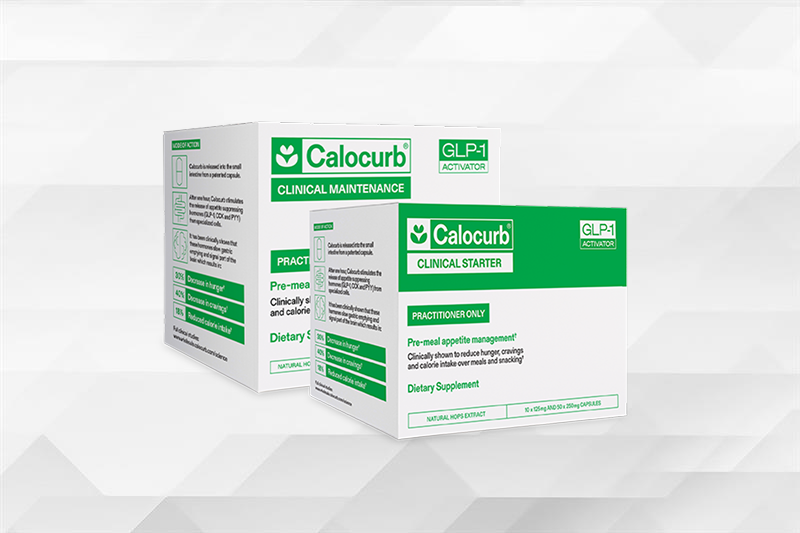
Supports healthy appetite regulation and metabolic function by promoting the body's natural satiety signals.
- Stimulates natural GLP-1, CCK, and PYY release
- Enhances adherence to intermittent fasting and time-restricted eating
Promotes a balanced gut microbiome to support digestion, nutrient absorption, and immune function.
- Delivers 11 g of fiber to support digestive health
- Supports natural GLP-1 production to help manage appetite
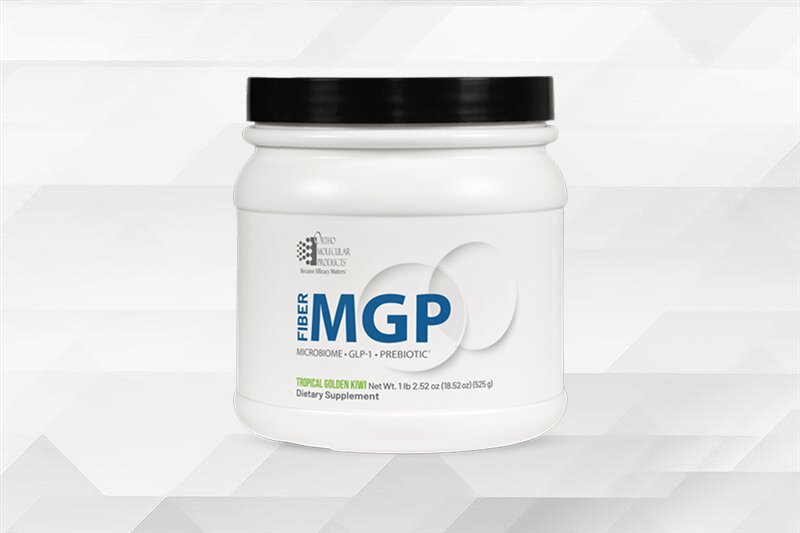
Supports healthy appetite regulation and metabolic function by promoting the body's natural satiety signals.
- Stimulates natural GLP-1, CCK, and PYY release
- Enhances adherence to intermittent fasting and time-restricted eating
Promotes a balanced gut microbiome to support digestion, nutrient absorption, and immune function.
- Delivers 11 g of fiber to support digestive health
- Supports natural GLP-1 production to help manage appetite
From evidence-based formulations and uncompromising quality standards to long-term partnerships with licensed health care practitioners, our purpose-driven approach shapes everything we do.

From evidence-based formulations and uncompromising quality standards to long-term partnerships with licensed health care practitioners, our purpose-driven approach shapes everything we do.
Our evidence-based supplements are available only through licensed health care professionals, reflecting our commitment to the medical community.

Our evidence-based supplements are available only through licensed health care professionals, reflecting our commitment to the medical community.
Our commitment to evidence-based formulation, rigorous quality standards, and practitioner partnership has earned recognition across the health care industry. These distinctions reflect our ongoing focus on scientific integrity, efficacy, and clinical trust.

Our commitment to evidence-based formulation, rigorous quality standards, and practitioner partnership has earned recognition across the health care industry. These distinctions reflect our ongoing focus on scientific integrity, efficacy, and clinical trust.
Access educational product videos, detailed product information sheets, and approved social media assets designed to support licensed health care professionals.

Access educational product videos, detailed product information sheets, and approved social media assets designed to support licensed health care professionals.
Find the right solution for ordering, patient care, and practice growth.
Find the right solution for ordering, patient care, and practice growth.
Tools and programs designed to help independent pharmacies drive front-end growth and long-term patient loyalty.

Tools and programs designed to help independent pharmacies drive front-end growth and long-term patient loyalty.
We partner exclusively with licensed health care professionals to deliver evidence-based supplements and clinical support.

We partner exclusively with licensed health care professionals to deliver evidence-based supplements and clinical support.

Switching to Ortho From Another Professional Supplement Brand
TL;DR: Switching to Ortho goes smoothest as a phased plan. Open your Ortho account at /register first, list the products you recommend most, move one category at a time, let current stock run down, and tell patients what is changing before their next refill. Our ordering terms are built for a gradual switch: there is no minimum order, and you can drop ship to patients while your shelf transitions (/service/faq).
This page continues our series on opening an Ortho practitioner account.
Why practices choose Ortho
Practices review their supplement lines for many reasons: service, a simpler vendor list, or a brand that works only through practitioners. This is what we offer a practice making that move:
- A practitioner-only partner. We are "committed to serving the medical community exclusively," and Ortho formulas are available only through licensed practitioners (/practitioners, /service/faq).
- Evidence-based formulations, "designed using peer-reviewed research and clinical insight" (/why-ortho).
- Quality you can verify. You can verify the Stevens Point, Wisconsin site on NSF's 455-2 GMP facility listing at NSF's site.
- Reliable supply. "We ship 98% of orders same-day" (/why-ortho).
- Tools for patient follow-through. Clinical Care Path™ and OrthoPacks support practitioner-guided ordering and patient adherence (/practitioners).
For choosing a line in the first place, see how to choose a professional supplement line.
Step 1: Open your Ortho account first
The /register form asks for your license number and license state, plus your clinic, medical discipline, and practice address. If your practice qualifies for a sales tax exemption, email the exemption paperwork to contactus@ompimail.com or send it by fax to (800) 476-4664, since orders placed ahead of our confirmation may be taxed (/register).
Keep your current supplier active until your Ortho account is approved and your first order has arrived. Who can buy Ortho Molecular Products covers eligibility questions.
Step 2: Audit what you recommend today
Pull a list of the products you recommend and dispense, ranked by how often each one goes out. For each, note:
- How often you recommend it.
- How many patients are currently using it.
- How it reaches them: in office, shipped, or online.
- How much stock you hold and when it expires.
The top of that list is where the switch matters most. Use the catalog in your welcome packet (/service/faq) to review our options by category, and walk through it with your Ortho sales representative. Product selection for each patient remains your clinical decision.
Step 3: Plan the order of the switch
Ranked from lowest to highest disruption:
- New patients first. Start new recommendations on Ortho while existing patients finish current supplies.
- Categories with the simplest transitions next. Move one category at a time and leave the rest of the shelf for later.
- Long term routines last. Patients on established routines get the most notice and a planned changeover at refill.
A phased plan lets your team learn our ordering, shipping, and returns step by step.
Step 4: Run down existing inventory
- Pause reordering the old line for categories that are moving.
- Sell through current stock before expiration.
- Bridge with drop ship. For products you no longer stock, we can drop ship to the patient (/service/faq).
- Order to match. With no minimum order (/service/faq), your first orders can cover only the categories that have switched.
Step 5: Move patient fulfillment
If patients currently order through another brand's online store, decide how they will get Ortho products:
- In office, from your Ortho stock.
- Drop shipped by us to their home (/service/faq).
- Through an online, practitioner-guided tool: Clinical Care Path™ or OrthoPacks (/practitioners).
Clinical Care Path™ lets you invite patients, control the products they see, and save reusable protocols, which makes it a natural home for patients moving from another brand's online store (/clinical-care-path). In-office vs online dispensary compares the options. Ask your sales representative about setting up the online tools, and review the OrthoPacks program terms in the OrthoPacks FAQ.
Step 6: Tell patients clearly
Tell patients before their next refill:
- Explain what is changing and when. "Starting next month, we will supply this through a different professional brand."
- Explain how they will receive it. In office, shipped, or online.
- Invite questions at the next visit.
- Share your role openly. If you sell products in your office, say so plainly. See our page on talking with patients about supplements ethically.
Brands differ in formulas and labels, so describe the change as a supplier change and review each patient's plan with them.
Step 7: Train your staff
- Ordering: placing orders, the 3pm CST same day cutoff for in stock items, and expedited options (/service/faq).
- Shipping and drop ship: free FedEx Ground over $275, $11.95 below that, and the $6 drop-ship fee plus standard shipping (/service/faq).
- Returns: Ortho labeled items within 30 days. Expired product, soft gels, live organism products, and Private Label are outside credit. Damage claims within 7 days (/service/faq). Patients ordering through Clinical Care Path™ have 45 days (/service/returnpolicy), and OrthoPacks are returnable for damaged or faulty packages.
- Resources: our product information sheets, educational product videos, and approved social media assets (/practitioners).
- Policies: the Authorized Resale Policy, Discount Policy, and Minimum Advertised Price Policy in the account terms (/service/faq).
We also give clinicians literature to share with patients, including information sheets, videos, and brochures (/service/faq). These help when you explain the change.
A 90-day switching timeline
| Weeks | Focus |
|---|---|
| 1 to 2 | Apply at /register, send tax paperwork, receive welcome packet, first rep call |
| 3 to 4 | Audit current list, place a first small Ortho order, and start new patients on Ortho |
| 5 to 8 | Move first categories, run down old stock, and drop ship gaps |
| 9 to 12 | Move remaining categories and patient fulfillment, then close out old reorders |
Tips for a clean switch
- Phase it over weeks. A category at a time keeps shelves full and patients informed.
- Start with what you recommend most. Your first order can be small.
- Describe it as a supplier change. Review each patient's plan at refill.
- Talk with your rep before listing Ortho on your website. We ask for that conversation before any listing goes up (/service/faq).
- Send tax exemption paperwork early. Orders before confirmation may be taxed (/register).
Frequently asked questions
How do I switch my practice to a new supplement brand? Open the new account first, audit what you recommend, move one category at a time, run down old stock, and tell patients before their next refill.
What should I do with my existing inventory? Pause reordering categories that are moving, sell through current stock before it expires, and use drop shipping to cover products you no longer stock.
Is there a minimum first order with Ortho? Any order size works. Our FAQ states there is no minimum order required.
How should I tell patients about the change? Explain what is changing, when, and how they will receive products, and review each patient's plan at their next visit.
Can Ortho help me move patients from another brand's online store? Yes. Clinical Care Path™ and OrthoPacks are our online, practitioner-guided options. Ask your sales representative about setup, and review the OrthoPacks program terms in the OrthoPacks FAQ.
Can I keep using my old brand during the switch? Yes. Keep your current supplier active until your Ortho account is approved and your first order arrives.
Next step
Ready to start? Open a practitioner account. Unsure whether you qualify? Read who can buy Ortho Molecular Products. Learn more about the Ortho difference.
Back to the pillar on opening an Ortho practitioner account. Related: supplement quality guide.


These statements have not been evaluated by the Food and Drug Administration. These products are not intended to diagnose, treat, cure or prevent any disease.
